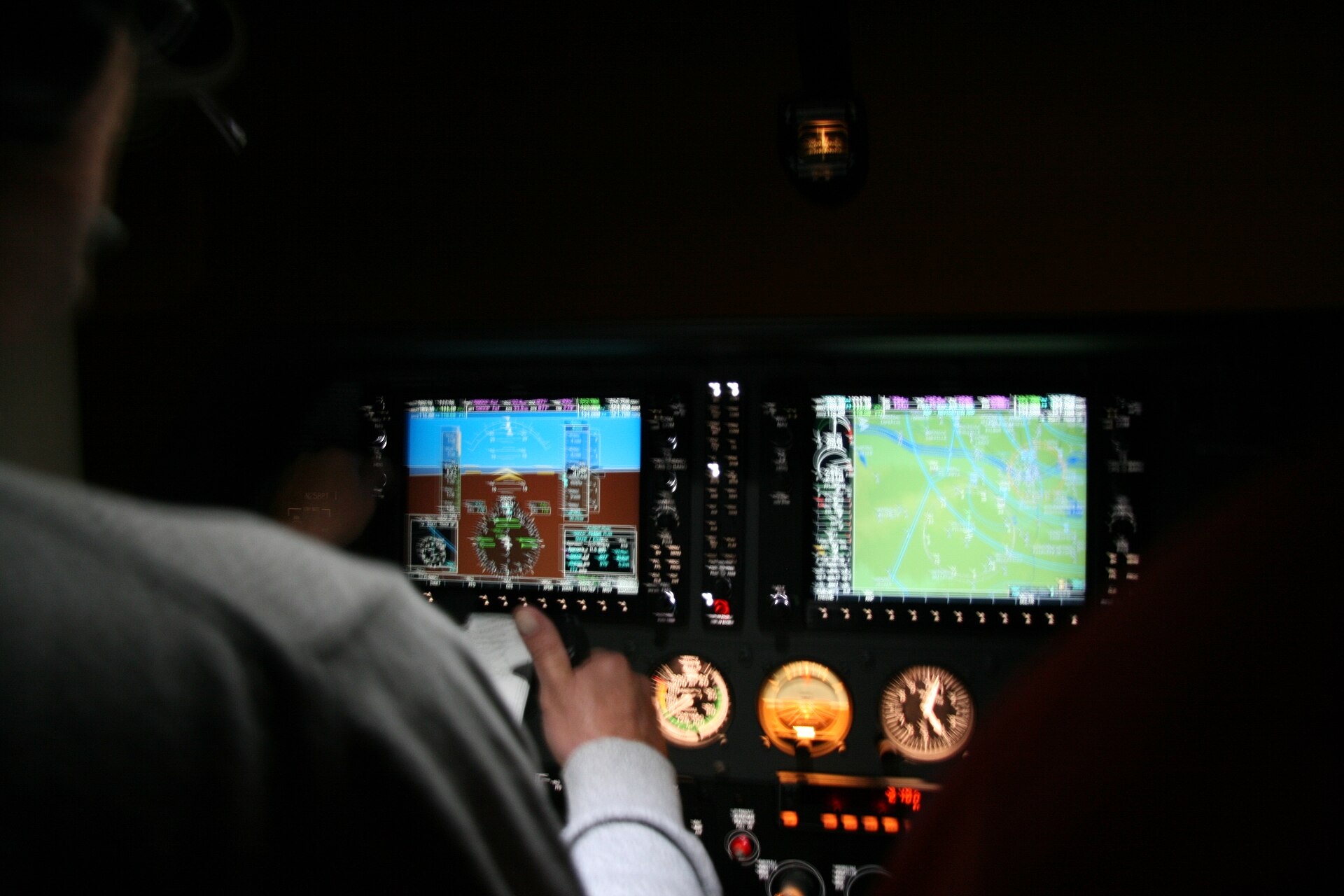
One panel flies the other.
Seat 1 enters a Direct-To on its own G1000; the G1000 on the other PC opens the same window and fills in every letter.
- D→Seat 1 presses Direct-To
- ENGMdials it in on the FMS knob
- ENTfinds Oslo Gardermoen
- ENTactivates the leg
- D→ ENGMboth panels fly direct
Go on. Try to break the sync.
Most shared cockpits pass your clicks along and hope both sims agree. Press too fast, or both at once, and the airplanes drift apart, so you end up flying carefully.
Not here. Fly the way you fly alone.
- Hammer a switch.
- Spin every knob at once.
- Both pilots pressing together.
- Type on the CDU at full speed.
- A macro on one button, a million times.
- Both airplanes, identical.
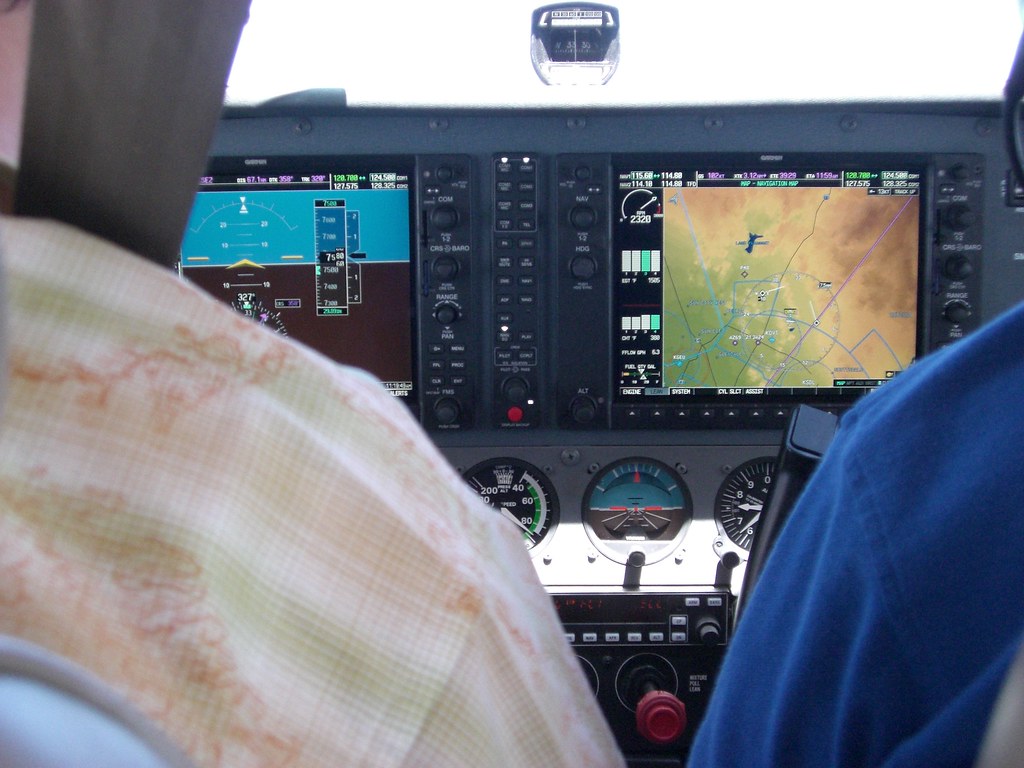
If it is on the panel, it is on both panels.
Switches, knobs, screens and pages. The whole aircraft, the same on both PCs.
G1000 NXi
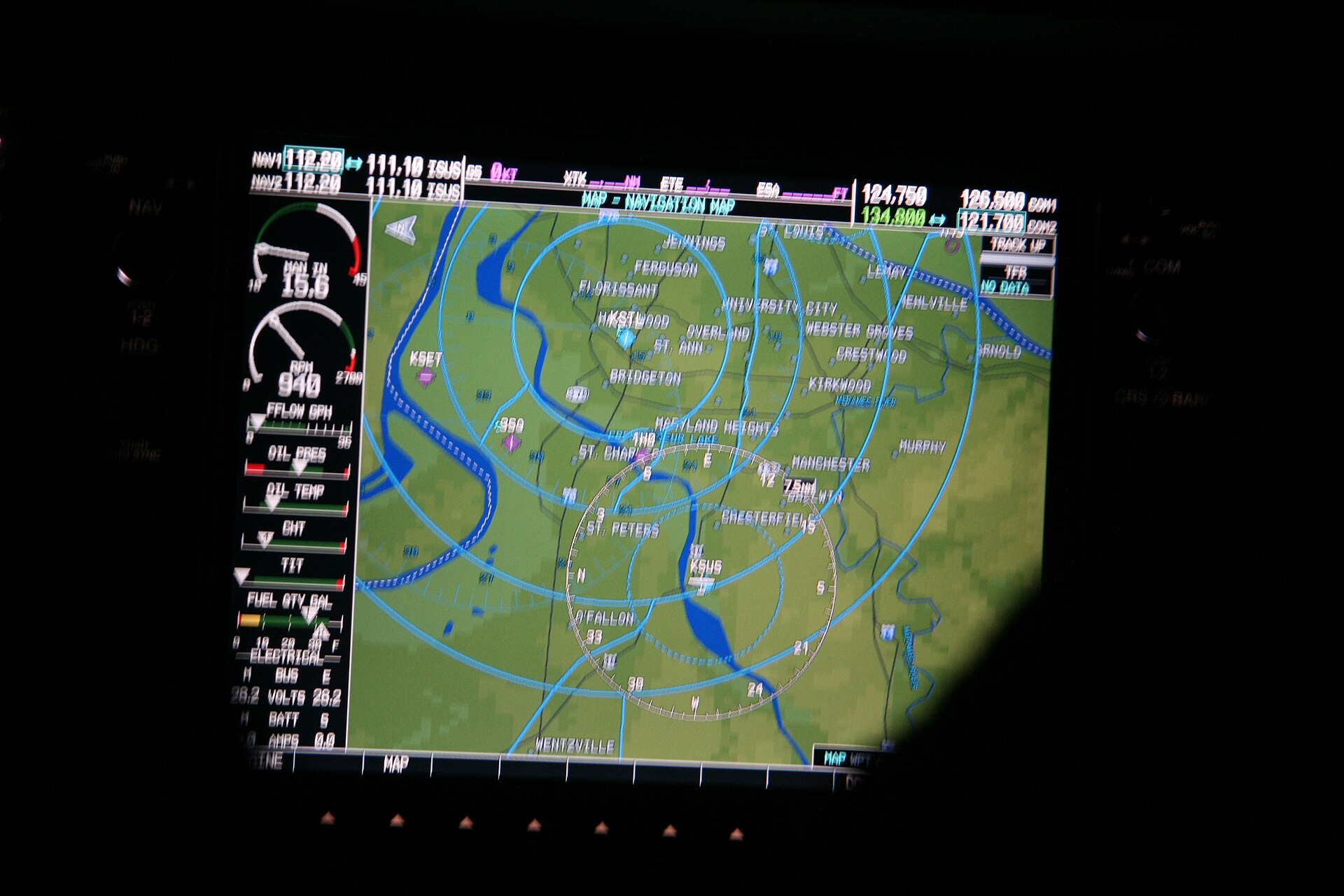
- PFD and MFD pages, menus and softkeys
- Flight plans, Direct-To and procedures
- COM, NAV and transponder
- Heading, course, altitude and baro
- Timers and references
Autopilot
- AP, flight director and every mode key
- Selected heading, altitude and vertical speed
Electrical
- Master and avionics switches
- All thirty circuit breakers
- CABIN PWR 12V
Cabin and engine
- Mixture and fuel shutoff
- Cabin heat and cabin air pulls
- Alternate static air
- Audio panel
Flying
- Yoke, rudder and throttle from the pilot flying
- Elevator trim, one way, from the pilot flying
- Flaps and brakes
- Smooth motion on both PCs, even on weak Wi-Fi
Hand it over in one press.
The pilot flying owns the yoke, rudder and trim. The other seat follows, and its own autopilot cannot fight the trim. Take controls and the roles swap.
Left seat
Captain
Pilot flying
- Yoke and rudder
- Drives
- Elevator trim
- Drives
Right seat
First officer
Pilot monitoring
- Yoke and rudder
- Follows
- Elevator trim
- Follows
Captain is flying.
Session
HQ7KTM
Share this code with the other pilot. Waiting for them to join…
Trying a direct link · on the relay meanwhile
Host. Share six letters. Fly.
One of you hosts and gets a code. The other types it in. That is the whole setup: no port forwarding, no IP addresses.
DualLink tries a direct peer-to-peer link and keeps you on the relay until it lands, so you are flying before the handshake finishes.
It installs its G1000 link into your Community folder by itself and updates itself after that.
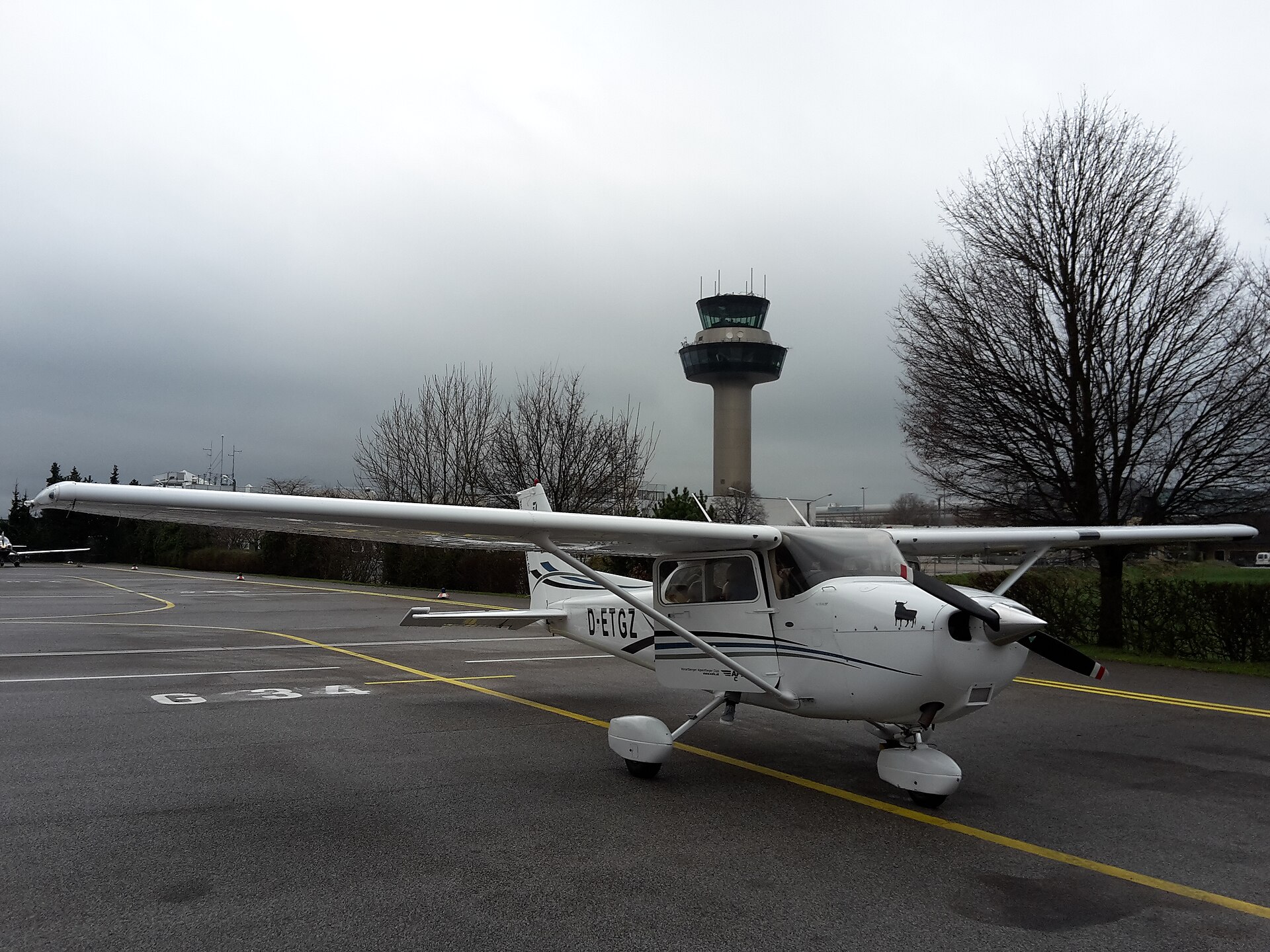
The 172 today. The airliners next.
The FMC is where shared cockpits give up. Not this one. Type into the 737’s CDU as fast as you can, rewrite the route, hammer any button on the overhead: the other seat shows exactly the same thing.
- Available
Cessna 172 G1000 NXi
Every switch, breaker and G1000 page
- Coming next
Pilatus PC-12
The whole panel, like the 172
- Coming next
Pilatus PC-24
The whole panel, like the 172
- Coming
PMDG 737
Full sync confirmed, FMC included
- On the way
More aircraft
Airliners and the rest of the fleet
The cockpit is only the start.
Coming next: everything around the flight, shared by both seats, and an easy way to find someone to fly with.
Planned
Navigraph, shared
- Charts, route and documents on both seats
- Open a chart and your copilot has it too
- A live moving map of your route and aircraft
- Send the route to the aircraft in one press
Planned
Find a copilot
- See pilots who want a second seat
- Join a flight in one click
- Open, friends only or password
- Friends list and invites
Planned
Live world map
- Every DualLink flight in the air, live
- Who is flying where, and in what
- Show your flight or keep it private
Planned
More aircraft
- Pilatus PC-12 and PC-24
- PMDG 737, FMC included
- Many more after that, airliners included
Shared cockpit for MSFS 2024, answered.
What is DualLink?
A shared cockpit for Microsoft Flight Simulator 2024. Two pilots, each on their own PC with their own copy of MSFS 2024, fly the same aircraft together. Every switch, knob and G1000 page moves on both PCs.
Which aircraft can we fly together?
The Cessna 172 G1000 NXi today, with the whole panel in sync: G1000, autopilot, all thirty circuit breakers, cabin controls and the audio panel. Next come the Pilatus PC-12 and PC-24, then the PMDG 737 with its FMC, and many more after that.
Does the whole cockpit stay in sync, avionics included?
Yes. Switches, knobs, screens and pages, the same on both PCs. In the Cessna 172 that is the full G1000 NXi: pages, menus, flight plans, Direct-To, procedures, radios and autopilot. Type a Direct-To on one seat and the other screen fills in every letter. The PMDG 737, coming next, keeps its FMC in sync too.
Can we both press buttons at the same time?
Yes. Hammer a switch, spin every knob at once, or both press together. Both airplanes stay identical, so you fly the way you fly alone instead of carefully.
Is the flight smooth for the other pilot, even on bad internet?
Yes. Position, altitude, speed and attitude move smoothly on both PCs, without jumps or stutter, even on weak Wi-Fi or across countries. A slower connection only puts the following seat a moment behind. The pilot flying never feels it.
Who flies the airplane?
The pilot flying owns the yoke, rudder, throttle and elevator trim. The other seat follows, and its own autopilot cannot fight the trim. Press Take controls and the roles swap.
Does the autopilot work in shared cockpit?
Yes. AP, flight director and every mode key sync, along with the selected heading, altitude and vertical speed.
Can I fly with a friend over the internet?
Yes, from anywhere. One of you hosts and gets a six-letter code, the other types it in. No port forwarding, no IP addresses.
What do we each need?
A Windows PC with Microsoft Flight Simulator 2024 and DualLink. DualLink sets itself up in your Community folder and updates itself after that.
What is coming next?
Navigraph built in and shared by both pilots: charts, route, documents, a live map, and sending the route to the aircraft in one press. Matchmaking to find a copilot, with open, friends-only or password flights. A live map of every DualLink flight. And more aircraft: the Pilatus PC-12 and PC-24, the PMDG 737 and many more.
No one to fly with? Where do I find a copilot?
Join the DualLink Discord. Pilots post there to find a copilot, get help and see which aircraft are coming next.